Good office ergonomics comes down to two things: your chair, desk and screen should fit your body rather than the other way round, and no setup, however good, should keep you still for hours. This guide walks you through a spine-friendly setup step by step. If a better desk isn’t enough, the physiotherapists at MozgásKlinika Újlipótváros, at Váci út 28 opposite Westend, can take it from there.
We wrote it for people working in the office buildings along Váci út, from Lehel tér down to Nyugati and further north. And for Újlipótváros residents whose kitchen table turns into an office a day or two a week.
Why does sitting hurt if you’re “just” sitting?
Sitting itself is rarely the problem. Staying in one position is. Over a long afternoon your head drifts towards the screen, your shoulders creep up and your lower back slumps. The muscles of your neck, shoulders and lower back (the lumbar spine) end up working under the same load for hours.
For many people that turns into a headache-at-the-base-of-the-skull by 4 p.m., or a stiff back that lasts through the weekend. If that’s already you, have a look at our articles on office neck pain and on lower back pain in the 13th district.
Office ergonomics, step by step
You don’t need new furniture. Most chairs and desks adjust enough to be better than they are now. Work from the floor up.
1. Chair height and backrest
Raise the chair until your feet rest flat on the floor and your thighs are roughly level. Sit all the way back so the backrest supports your lower back. No lumbar support? A rolled-up towel or small cushion can do the job.
2. Feet
If your feet dangle once the chair is at the right height, don’t lower the chair again. Use a footrest – a sturdy box works fine.
3. Desk, keyboard and mouse
Let your elbows hang loosely by your sides, shoulders down, forearms close to horizontal. Keep the keyboard close and the mouse right next to it so you’re not reaching. Wrists stay straight. If your fingers tingle after a long day of typing, our article on carpal tunnel syndrome explains more.
4. Monitor height and distance
The top edge of the screen should sit around eye level or slightly below, roughly an arm’s length away. With two monitors, put the one you use most directly in front of you. Try to sit side-on to the window: glare and backlight quietly pull you forward towards the screen.
5. Laptops: the classic trap
On a laptop the screen and keyboard are joined, so one of them is always in the wrong place. Either your neck bends down or your wrists come up. The fix is a laptop stand (or a stack of books) plus a separate keyboard and mouse. It’s a small purchase, and in most setups it makes the biggest difference.
6. Home office days
At home the sofa and the bed are tempting. Neither is a workstation. At the kitchen table the same rules apply: a cushion if the chair is too low, a footrest if your feet dangle, and a raised laptop. Home days do have one advantage – it’s easier to get up. A lunchtime loop around Szent István park or along Pozsonyi út does more for your back than any expensive chair.
7. Standing desks
A sit-stand desk is a useful tool, not a cure. Standing all day is tiring too. Alternate between sitting and standing, and when you stand, keep the desk at elbow height.
The most important rule: change position and move
Your best posture is always your next one. However carefully you set up your desk, stillness is the real enemy. Stand up for phone calls, fetch water from the kitchen, and in the Váci út office towers take the stairs for a floor or two instead of the lift. How often you should break, and which simple movements suit you, is something a physiotherapist can tailor to your symptoms.
Quick checklist, right now, at your desk:
- Feet flat on the floor or on a footrest?
- Back against the backrest, lower back supported?
- Shoulders down, elbows by your sides?
- Wrists straight, mouse close?
- Top of the monitor around eye level, about an arm’s length away?
- Laptop raised, with a separate keyboard?
- Regular standing breaks built into your day?
If you can tick every box and the pain still keeps coming back, it’s worth getting it looked at. Book a consultation (opens in a new tab)
When a better setup isn’t enough
Ergonomics reduces load and helps prevent problems, but it won’t always fix pain that’s already there. If your symptoms don’t ease despite the changes, keep returning, or start getting in the way of work, see a physiotherapist. You can read how that works with us in our physiotherapist in the 13th district article.
See a doctor promptly if you notice
- worsening numbness, tingling or weakness in your arm, hand or leg
- severe pain that doesn’t ease at night or at rest
- back pain together with fever or unexplained weight loss
- problems controlling your bladder or bowels, or numbness around the groin
- pain that started after a fall or accident
How we help at Váci út 28
With office-related back and neck pain, how you work matters, so we’ll ask about that too. The process has three steps:
- We map out what’s behind your symptoms: an assessment, functional tests and a chat about your working day.
- We tailor a treatment plan to you, based on the MozgásPiramis® (Movement Pyramid) method.
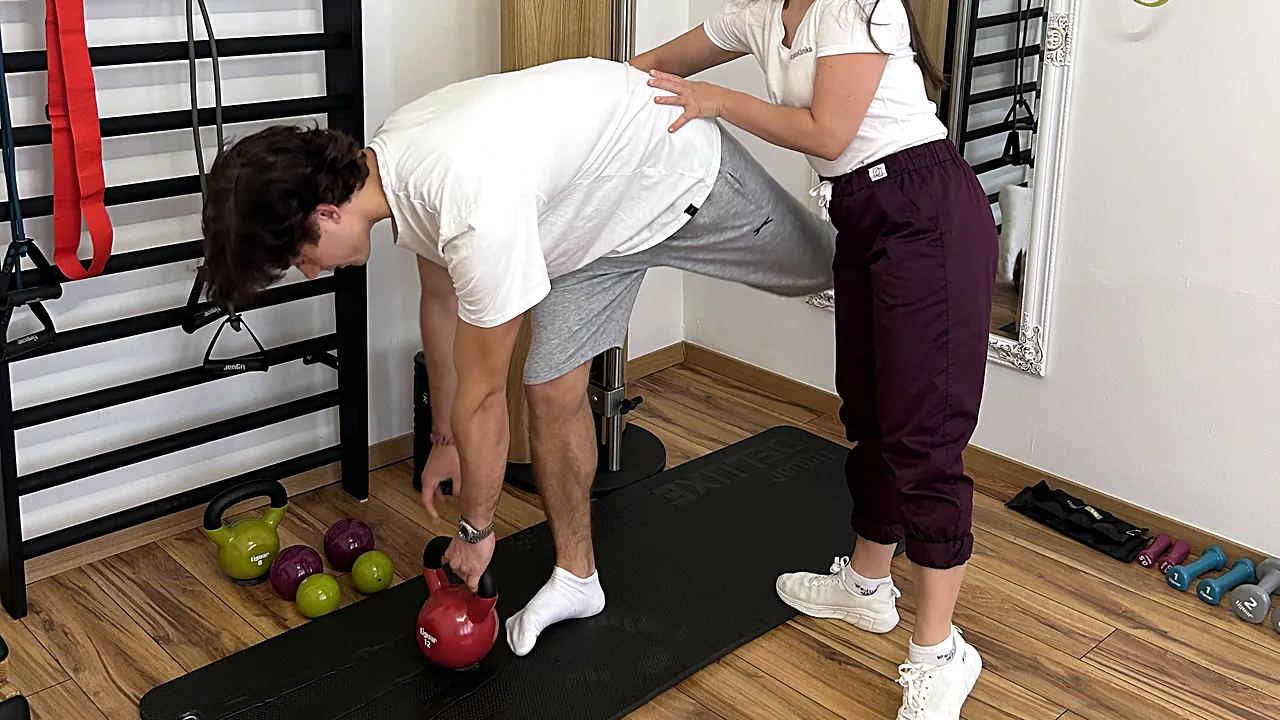
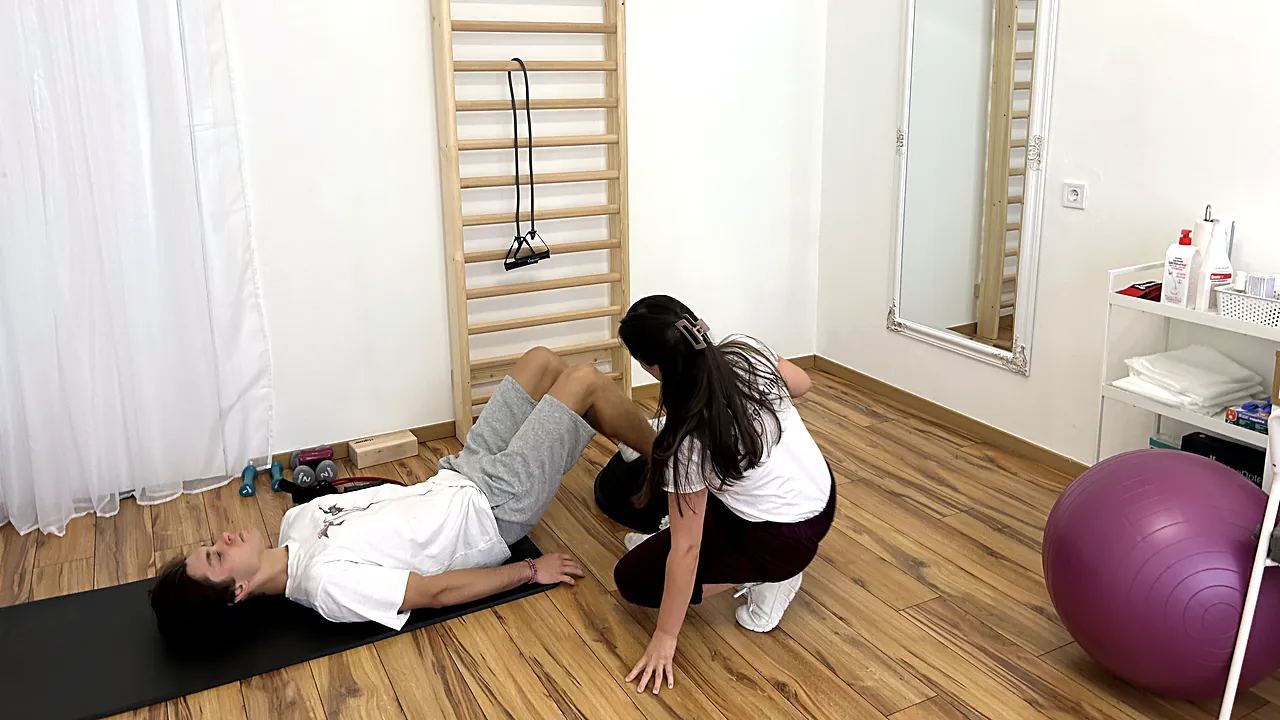
- We start treatment at your very first visit – with gyógytorna (physiotherapy built around therapeutic exercise) and, where it’s indicated, manuálterápia (hands-on manual therapy).
For the first phase, the network’s protocol is 12 sessions, twice a week, but nobody can guarantee in advance how many sessions you’ll need. There’s more about the first appointment in our article on your first assessment.
The clinic is on Váci út between Lehel tér and Nyugati pályaudvar, opposite Westend. It’s easy to reach on the M3 metro or trams 4 and 6; if you drive, park in the Westend underground car park and cross Váci út. Working on the other side of Nyugati, in the 5th district? We’re close to you too, and our directions page has the exact route. For appointments before or after work (Monday to Friday, 8:00–20:00), call +36 30 790 6270.
Book a consultation (opens in a new tab)
Frequently asked questions
Do I need an expensive ergonomic chair?
Not necessarily. Most office chairs let you adjust height and backrest, and a footrest, a lumbar cushion and a laptop stand go a long way. An expensive chair is only as good as its settings.
Will a standing desk fix my back pain?
Not on its own. It makes changing position easier, and changing position is the point, not standing as such. If the pain persists, have it checked.
Where can I get help for office back pain near Váci út?
MozgásKlinika Újlipótváros is on the mezzanine floor (félemelet) of Váci út 28, opposite Westend, in the 13th district (XIII. kerület). We offer physiotherapy and manual therapy, and your first visit is an assessment where treatment already begins.
Should I bring a photo of my desk?
It can help. A quick phone photo of how you sit while working can show a lot about what’s loading your neck or lower back.
Tomorrow morning, before you open your inbox, give yourself five minutes to reset: chair, feet, elbows, monitor, laptop. If your body still complains after that, don’t wait until you get used to the pain. Book a consultation (opens in a new tab)